Account Deletion — Vara
Users can delete their Vara account and all associated personal data directly within the mobile app.
How to delete your account:
Open the Vara app
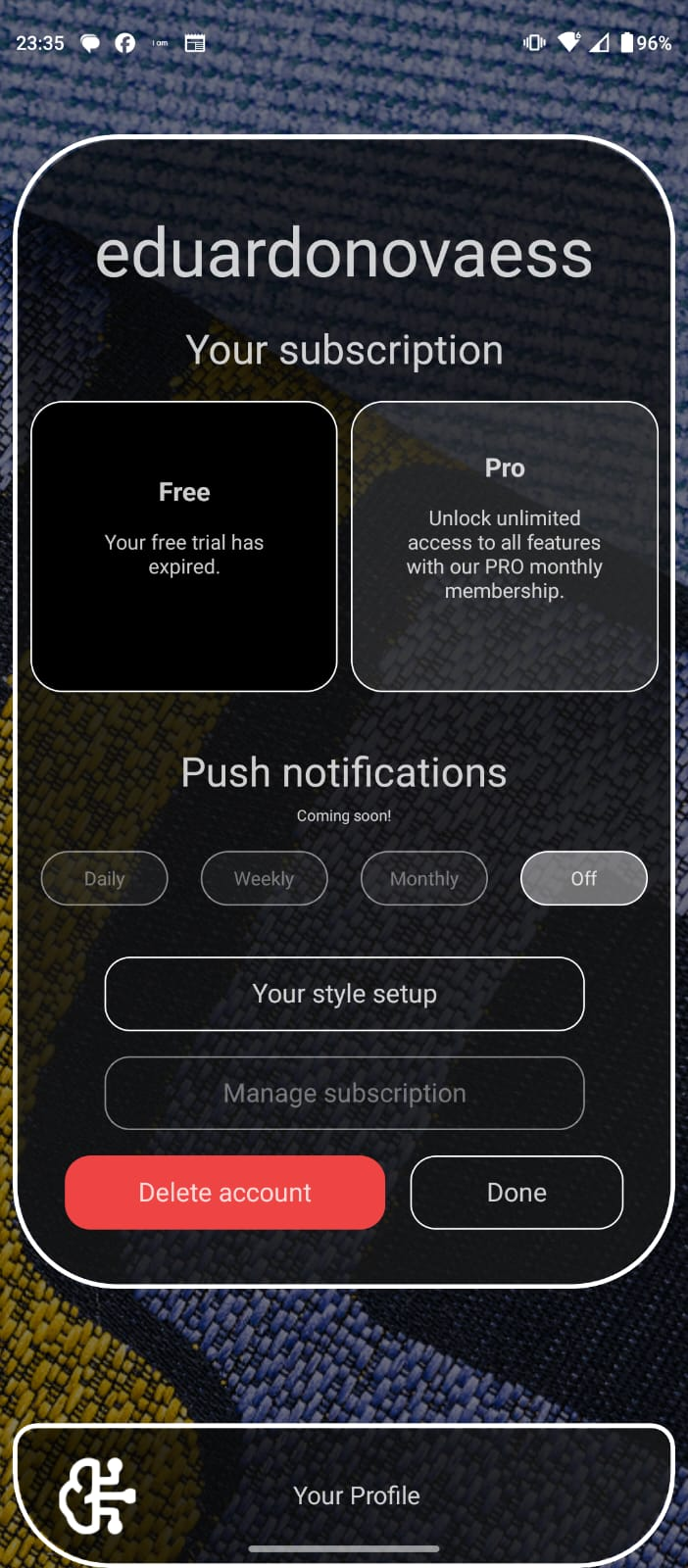
Go to your Account screen (where you can manage your subscription)
Press Delete account
Confirm the deletion in the pop up window
Once confirmed, your account and all associated personal data will be permanently deleted.
If you are unable to access the app, you may contact us at:
info@picantecabron.com